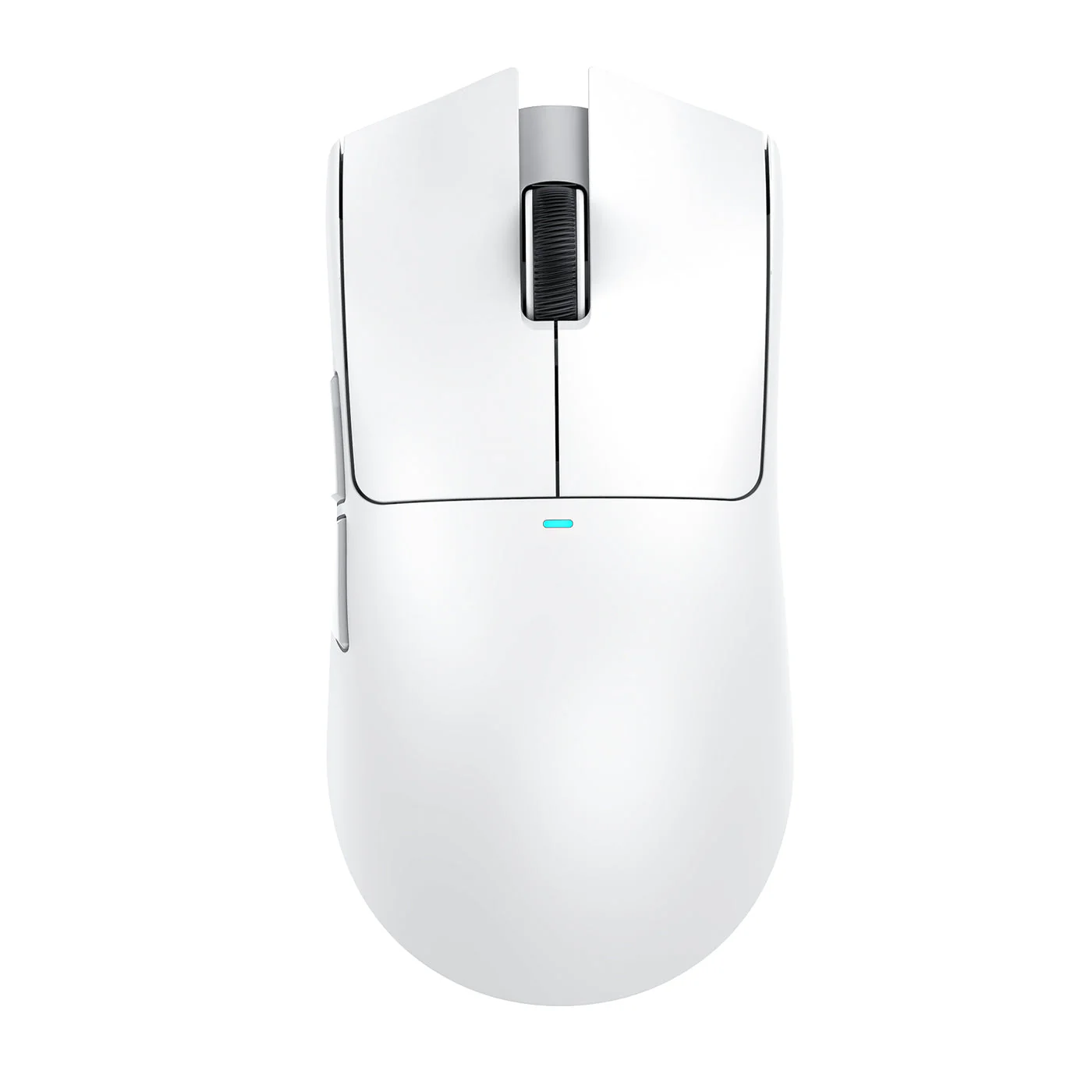
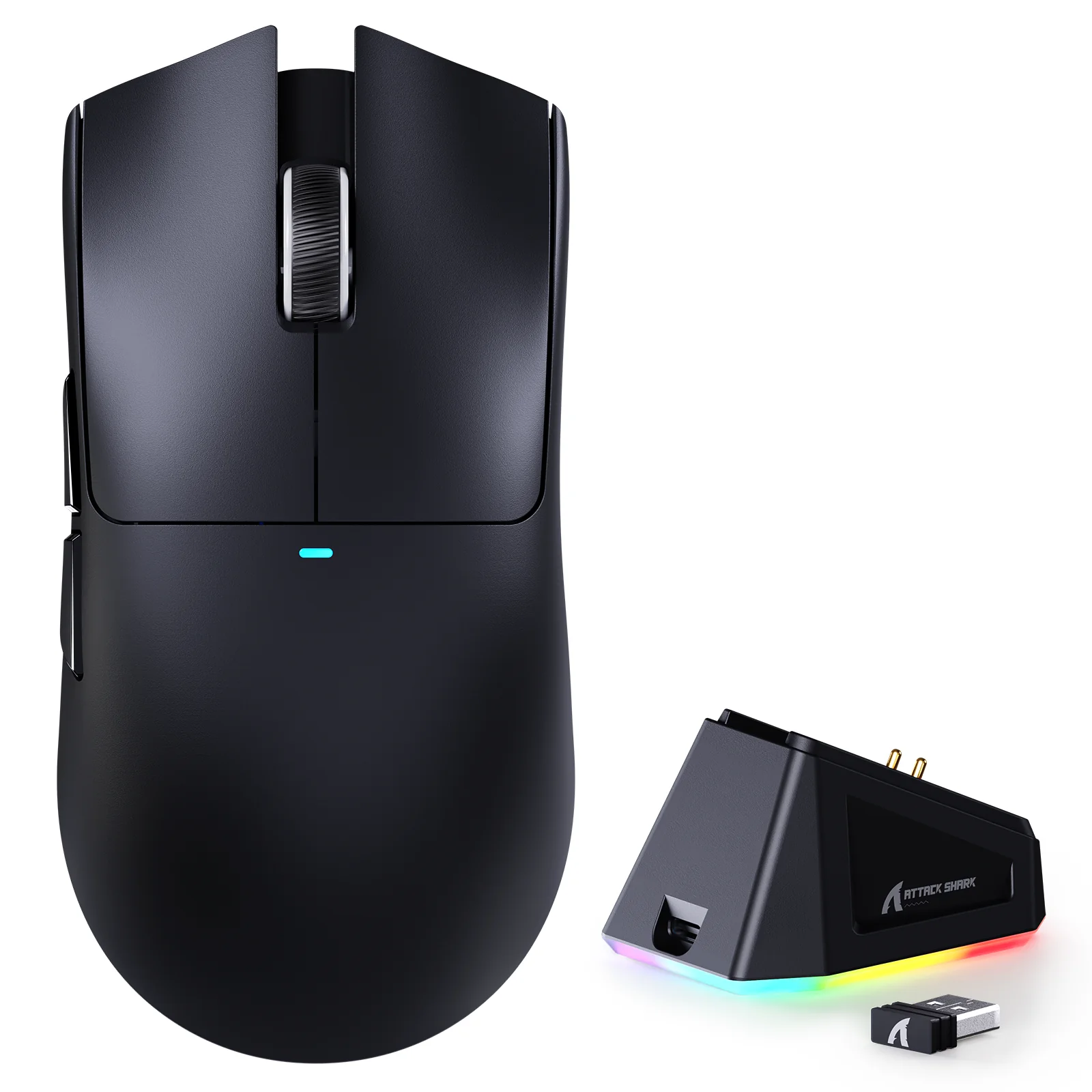
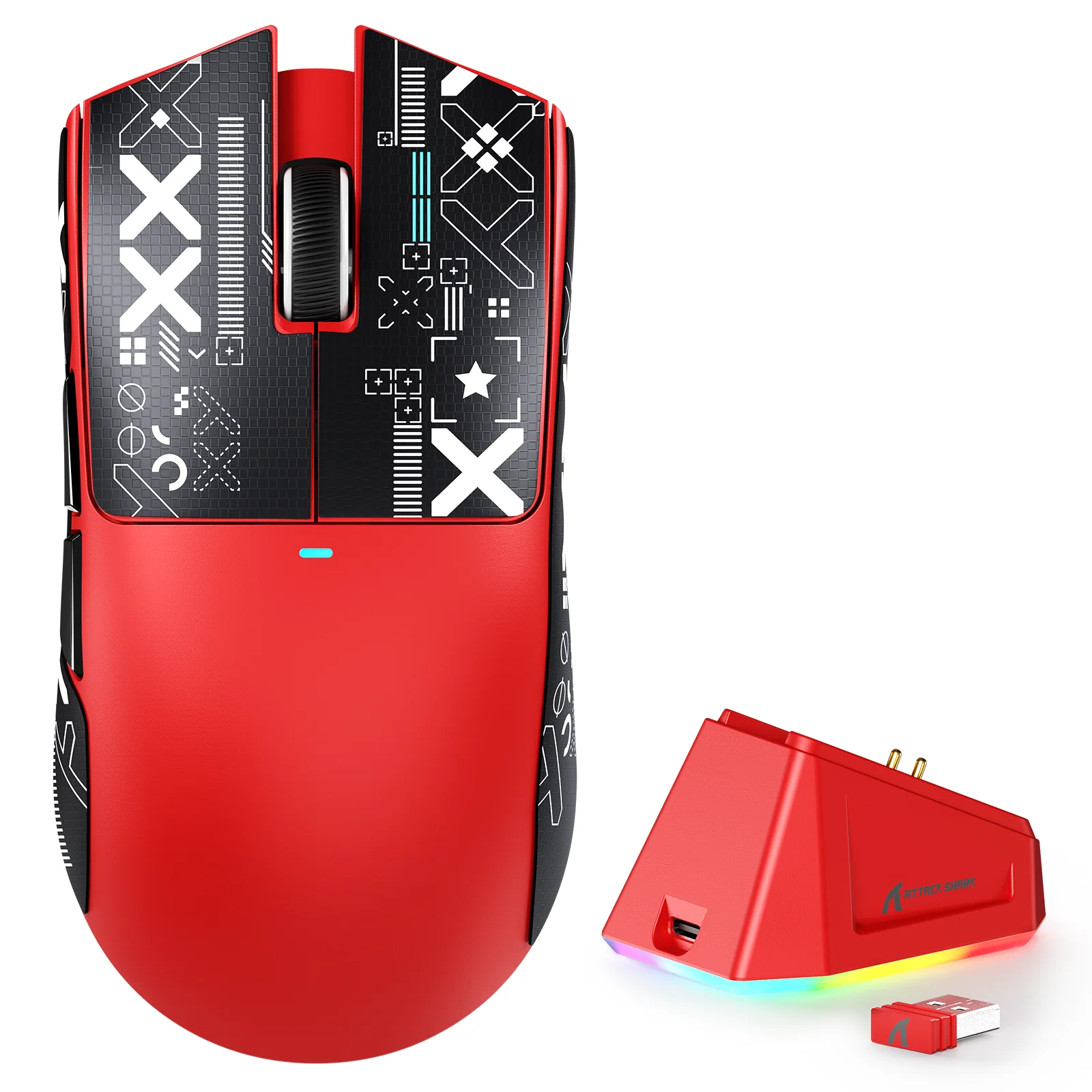
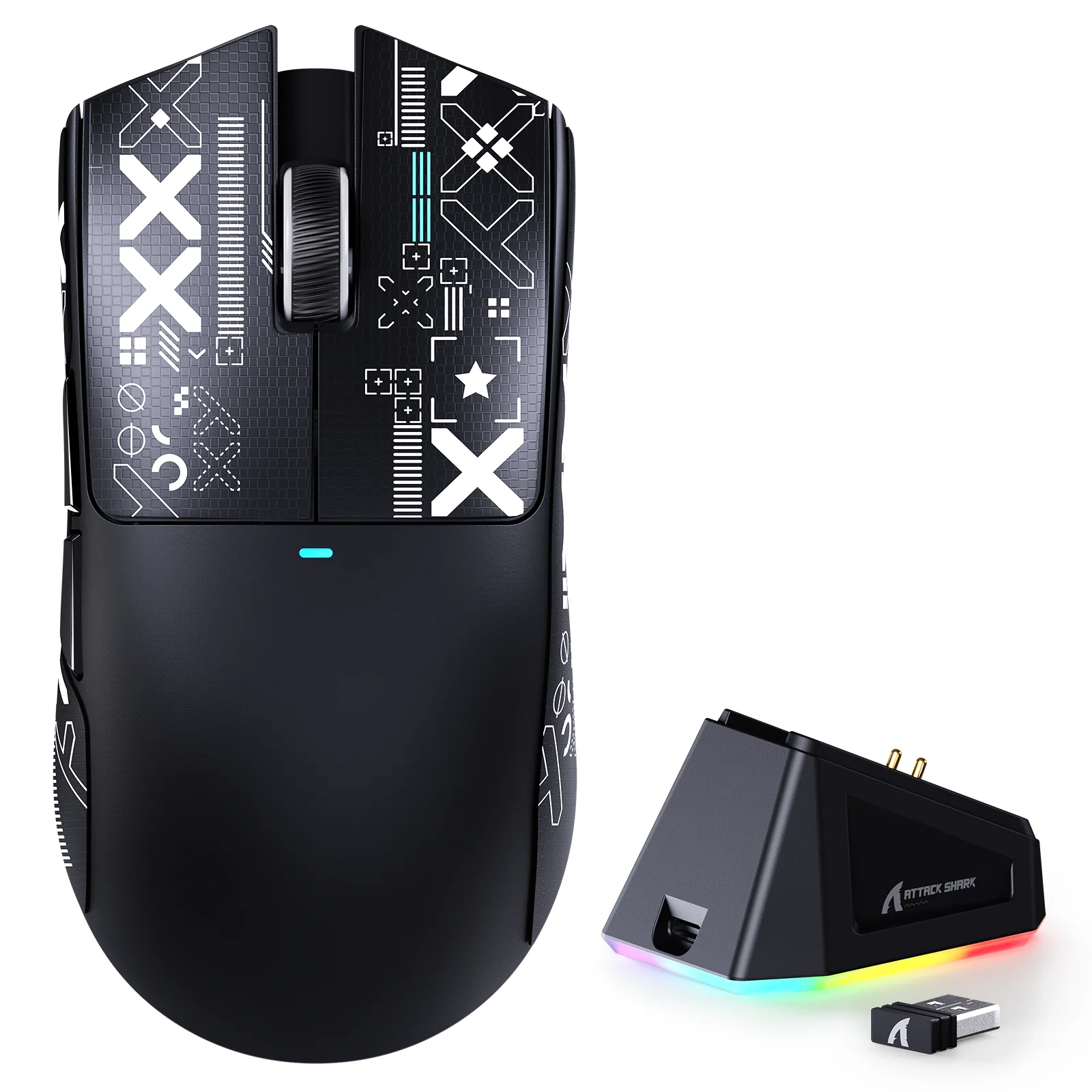
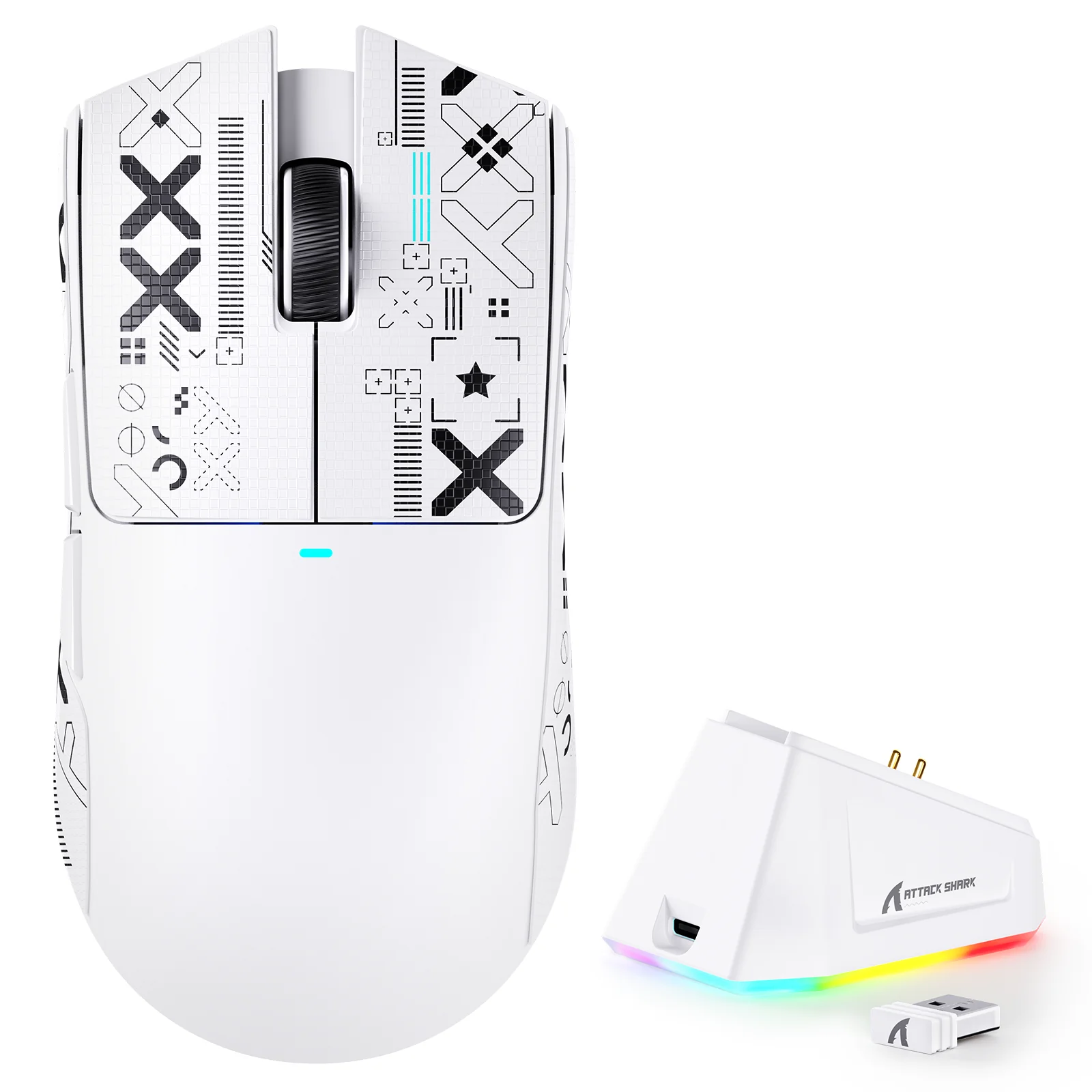
The magnetic dock isn't just for charging; it's the centerpiece of your desk. Strong magnets guide the mouse into place with a satisfying click. No more fumbling with cables in the dark after a long session. Just drop it and walk away. The base features an exclusive RGB light ring with touch-sensitive controls to cycle through effects, creating an ambient glow for your setup. To guarantee a flawless connection, a front-facing USB port on the dock allows you to plug in the 2.4GHz receiver, keeping it just centimetres from the mouse for a rock-solid, interference-free signal.
🎉 Up to 70% Off Selected ItemsShop Sale
Select Colour
Select Choose Variant
From $19.53
Original: $55.79
-65%ATTACK SHARK - X11 Wireless Gaming Mouse—
$55.79
$19.53The Story

Your Command Center
Precision When It Counts
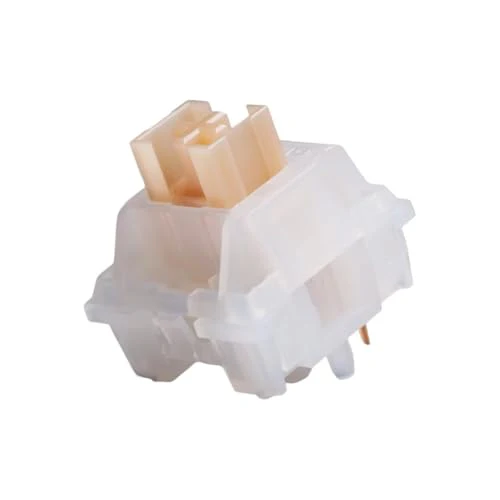
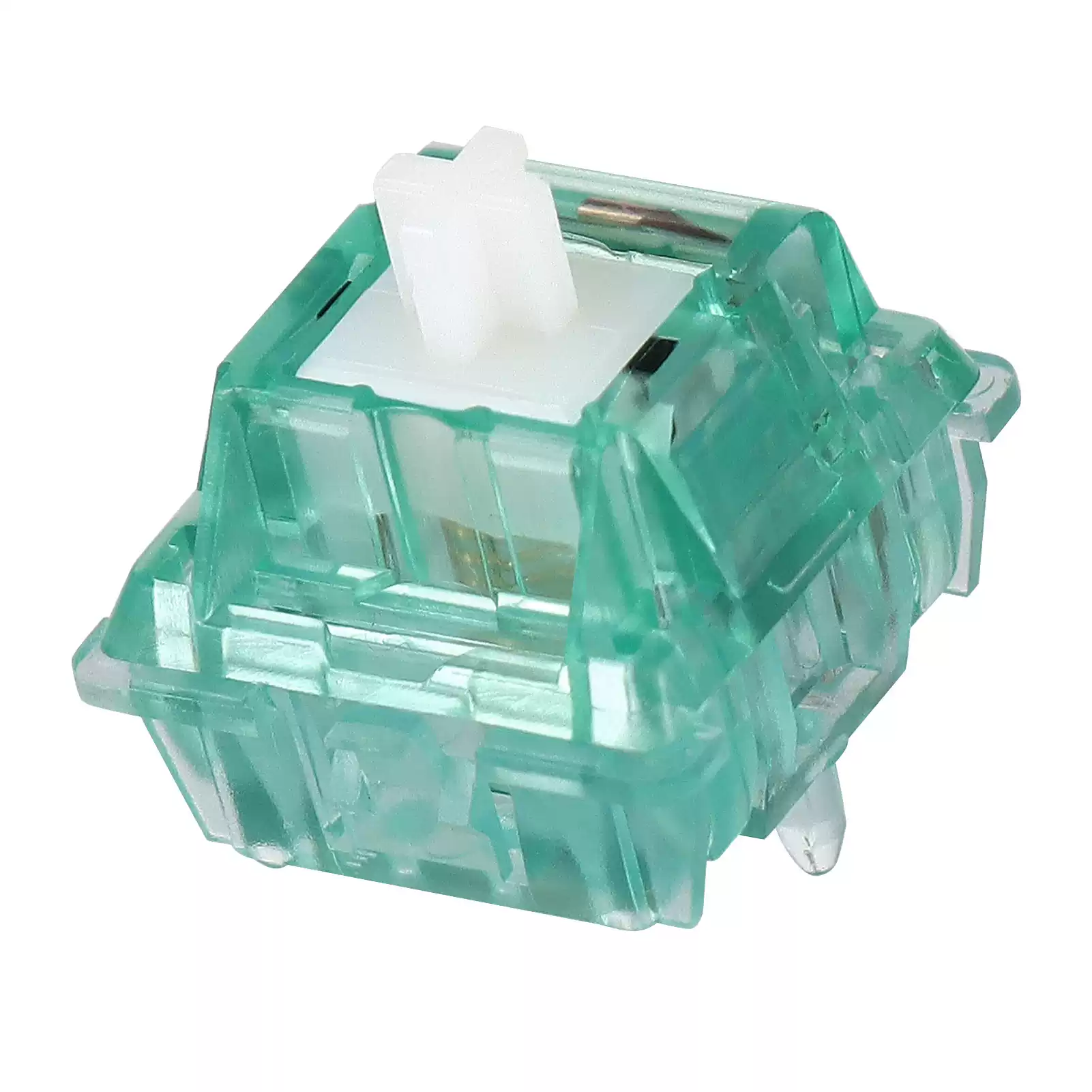
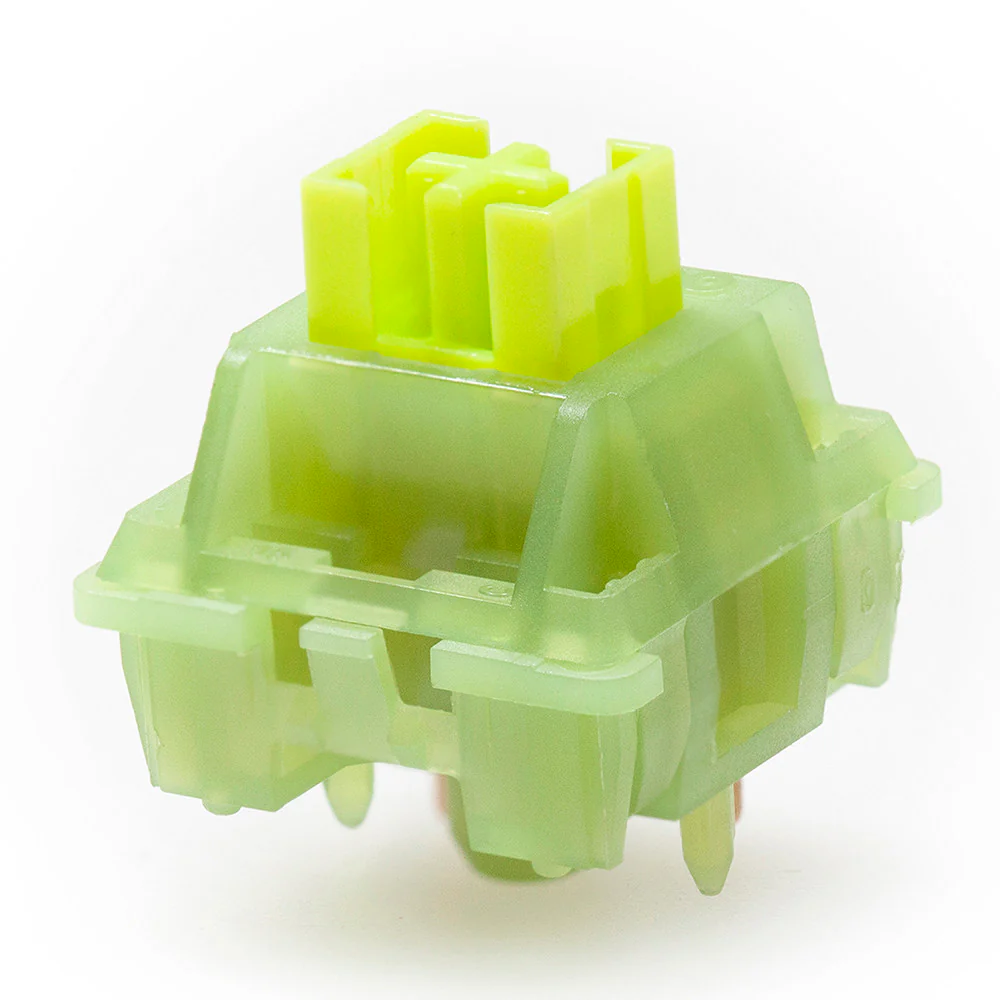
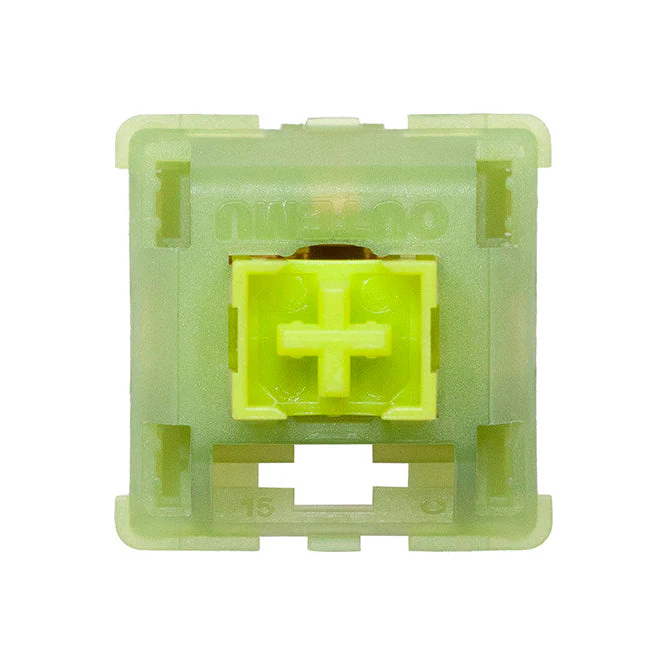
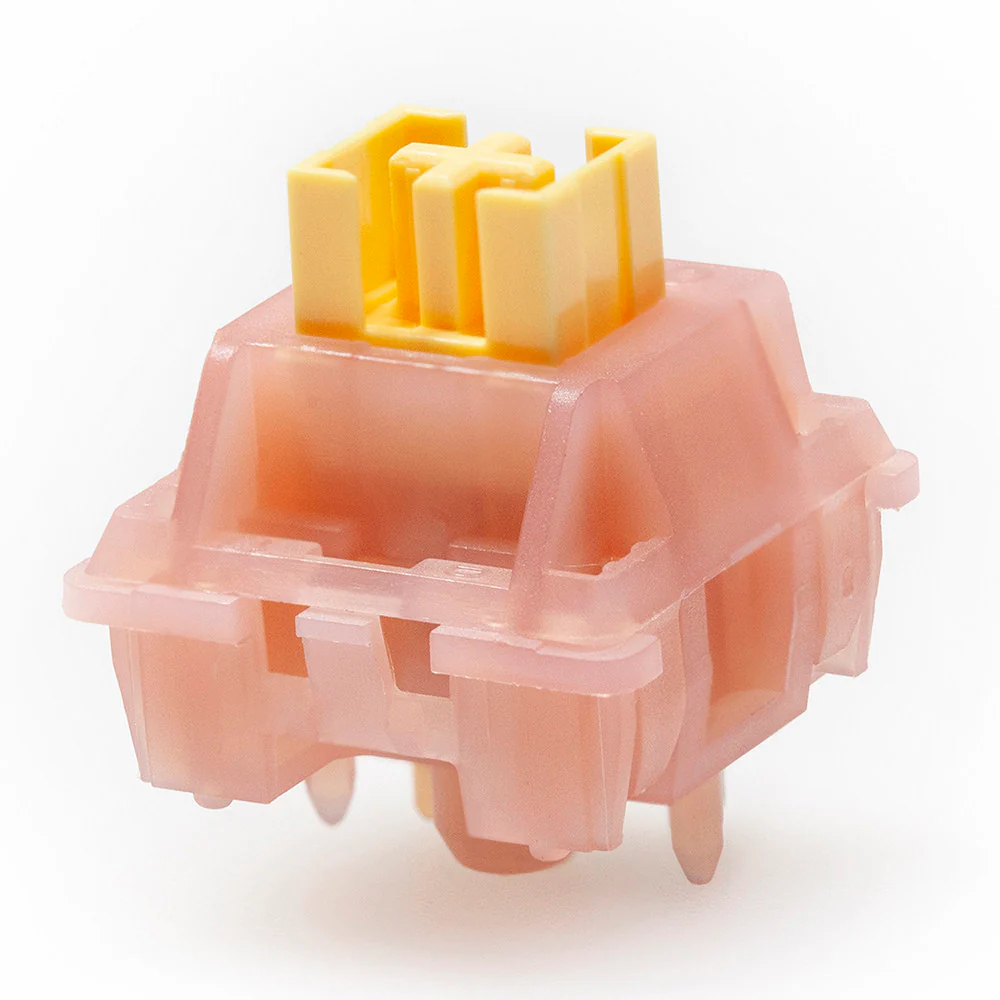
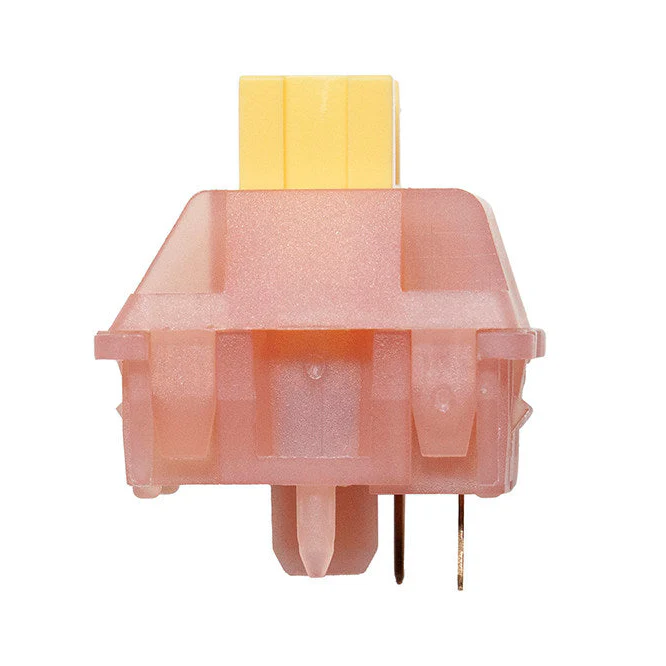
At the heart of the X11 is the professional-grade PixArt PAW3311 optical sensor. It delivers up to 22,000 DPI for impressive precision, with a tracking speed of up to 400 IPS to keep up with your fastest flicks and a 1000Hz polling rate for near-instant response. No spin-outs, no excuses. The HUANO Pink Spot microswitches will tolerate millions of clicks, ensuring your inputs feel crisp and reliable for a long, long time.


An inside look at the high-performance components powering the X11.
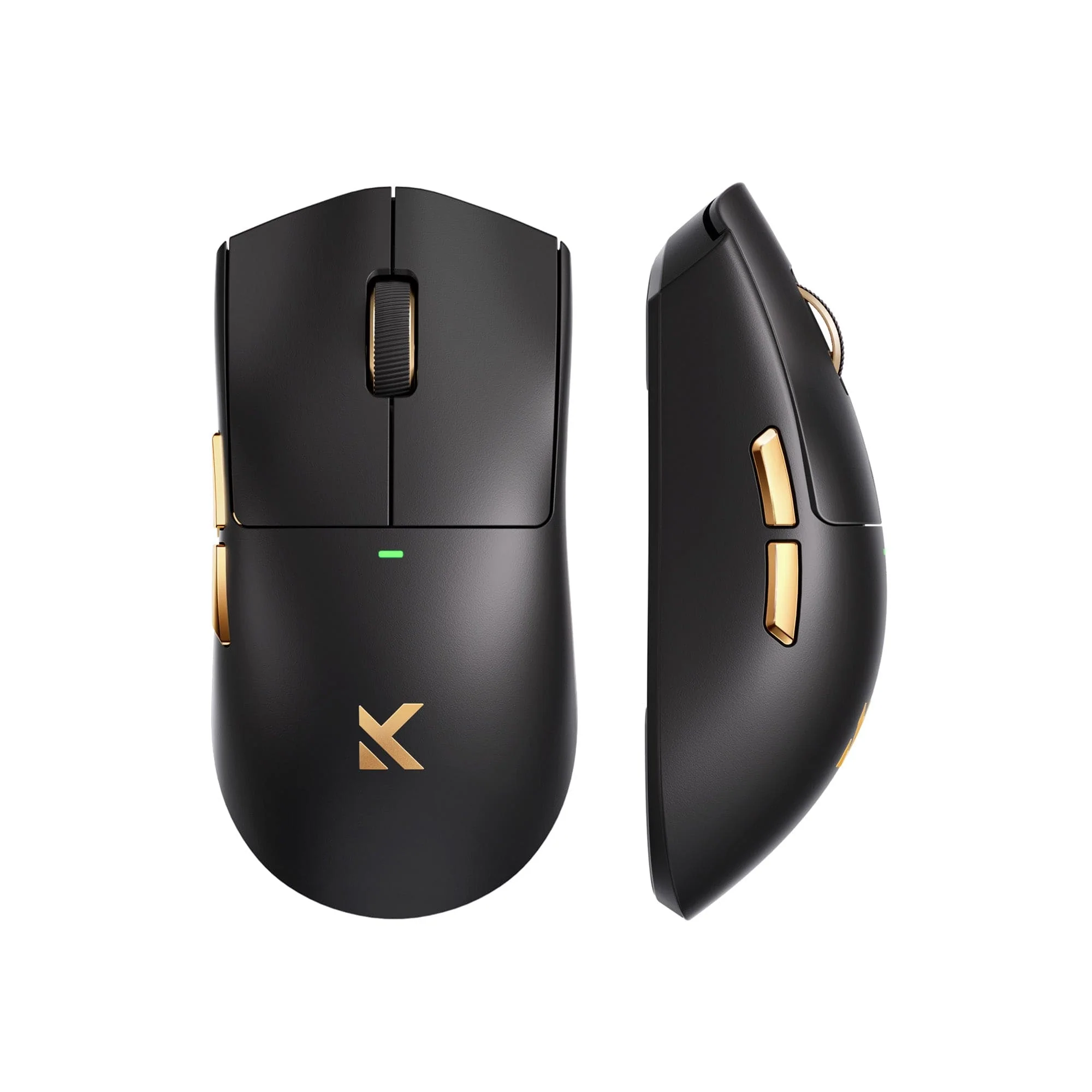
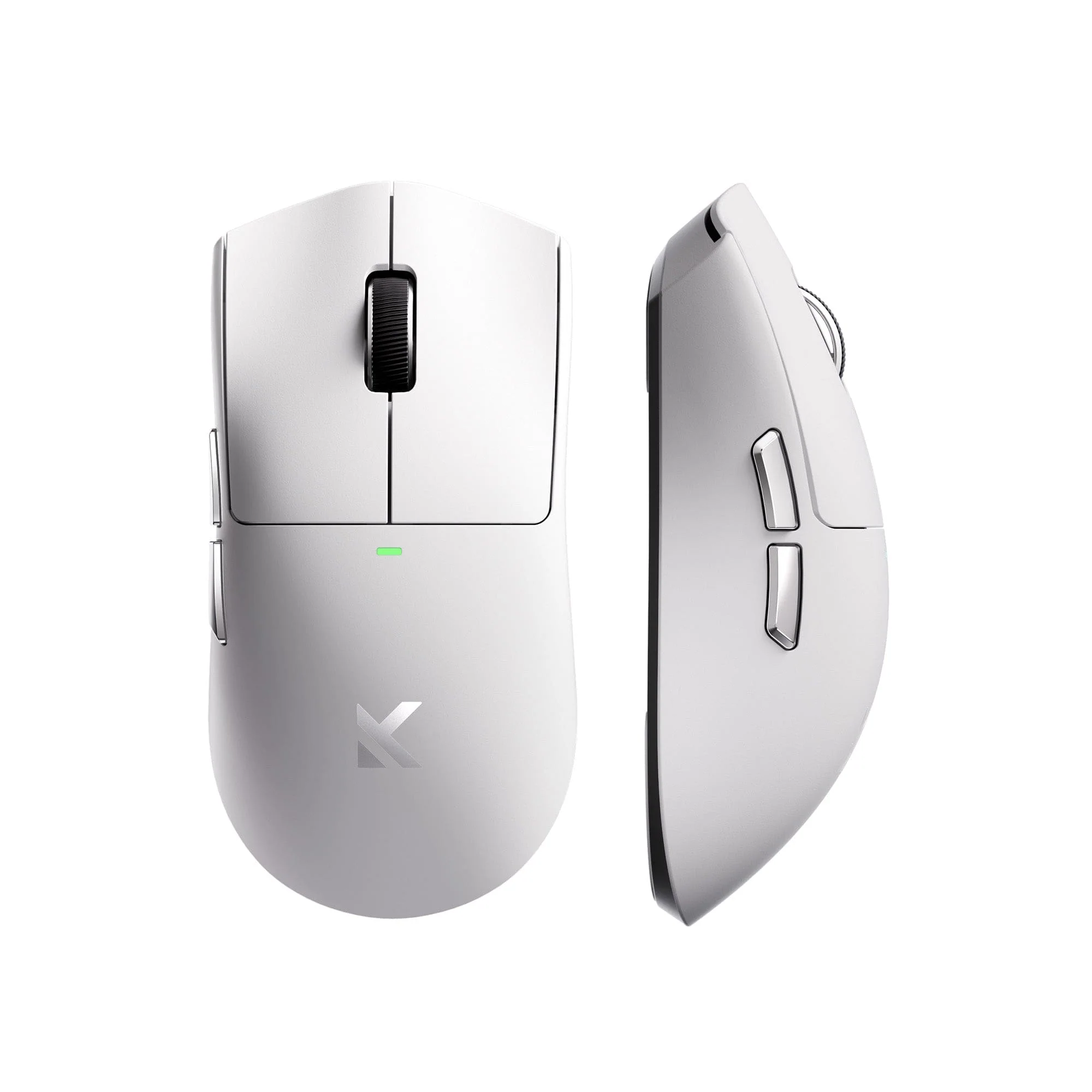
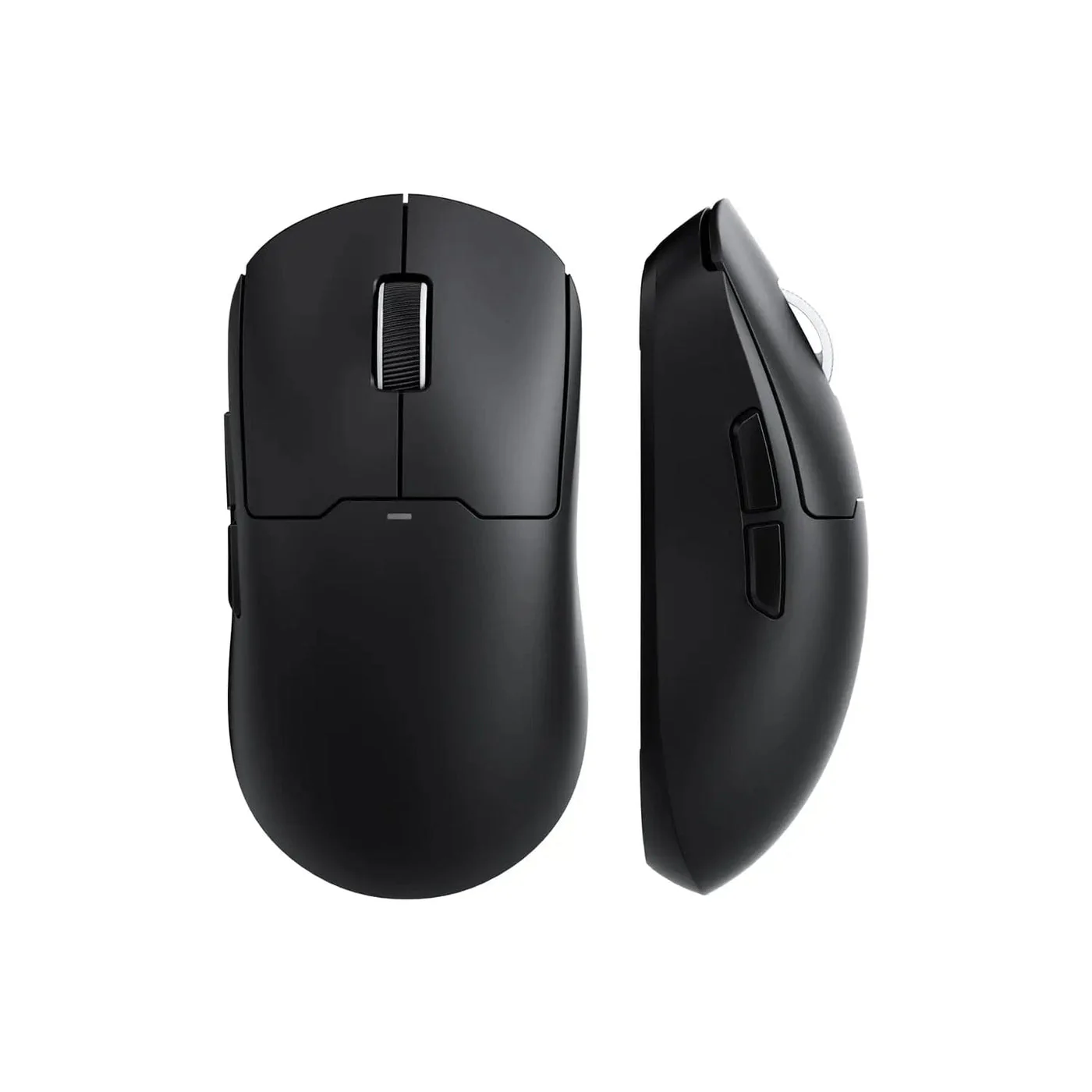
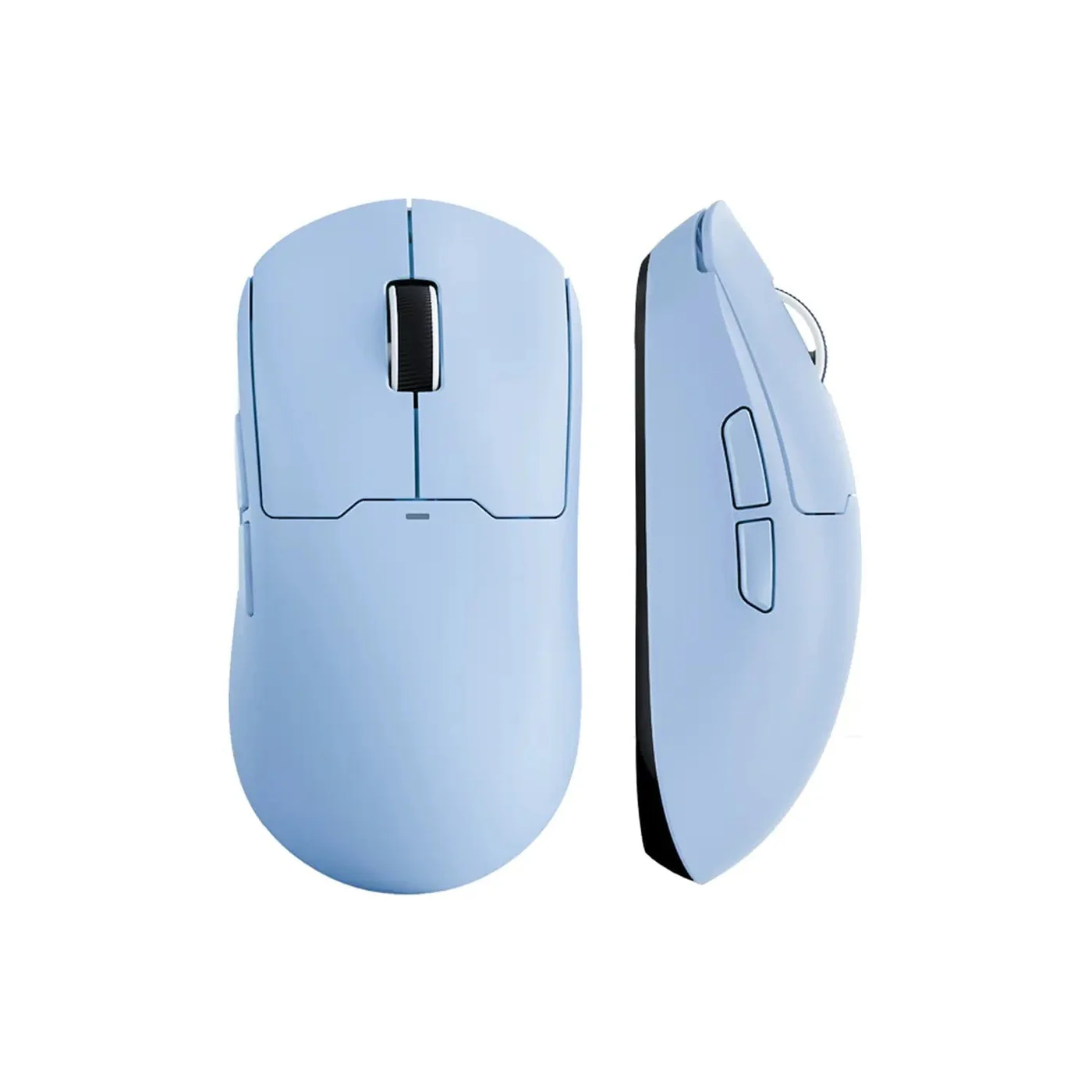
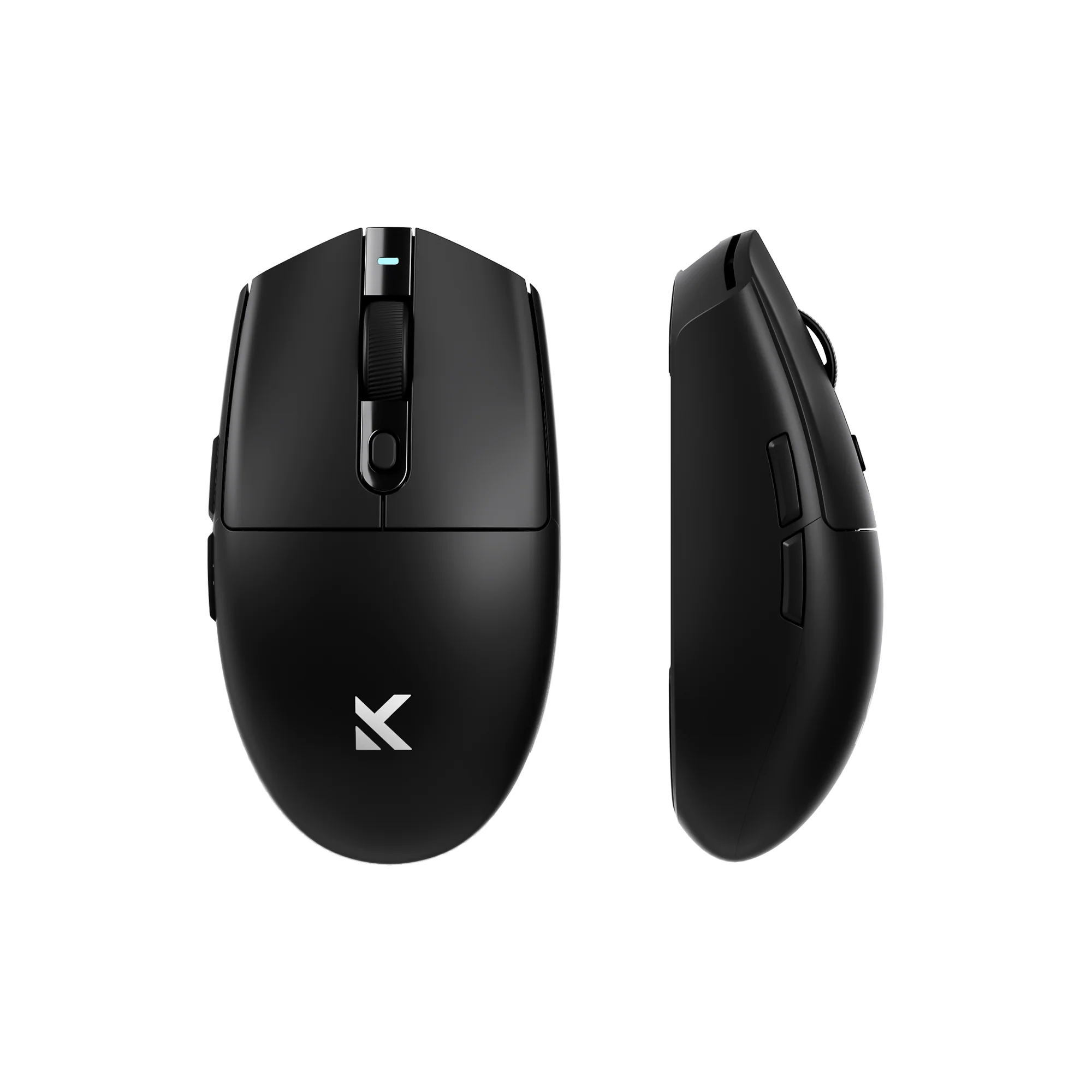
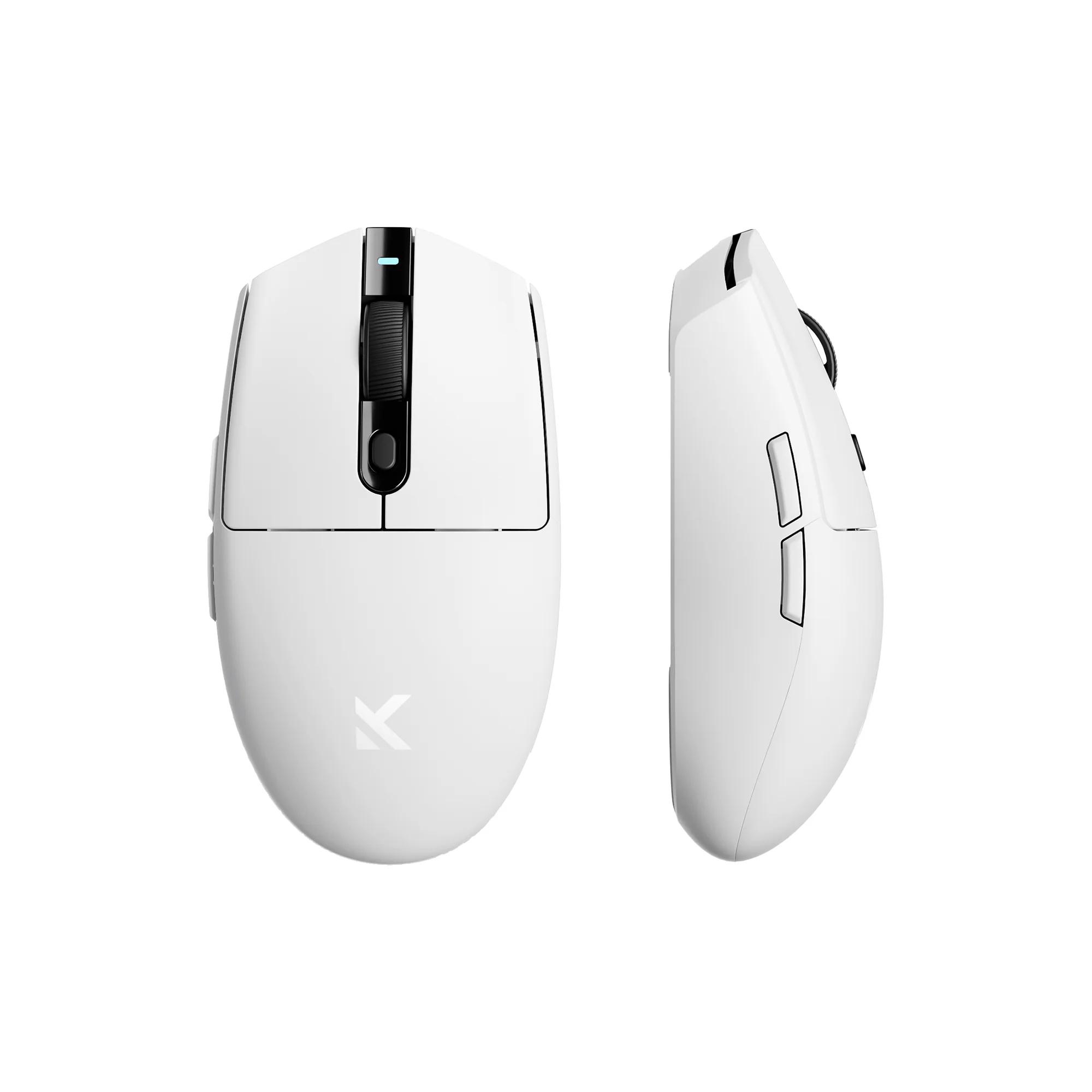
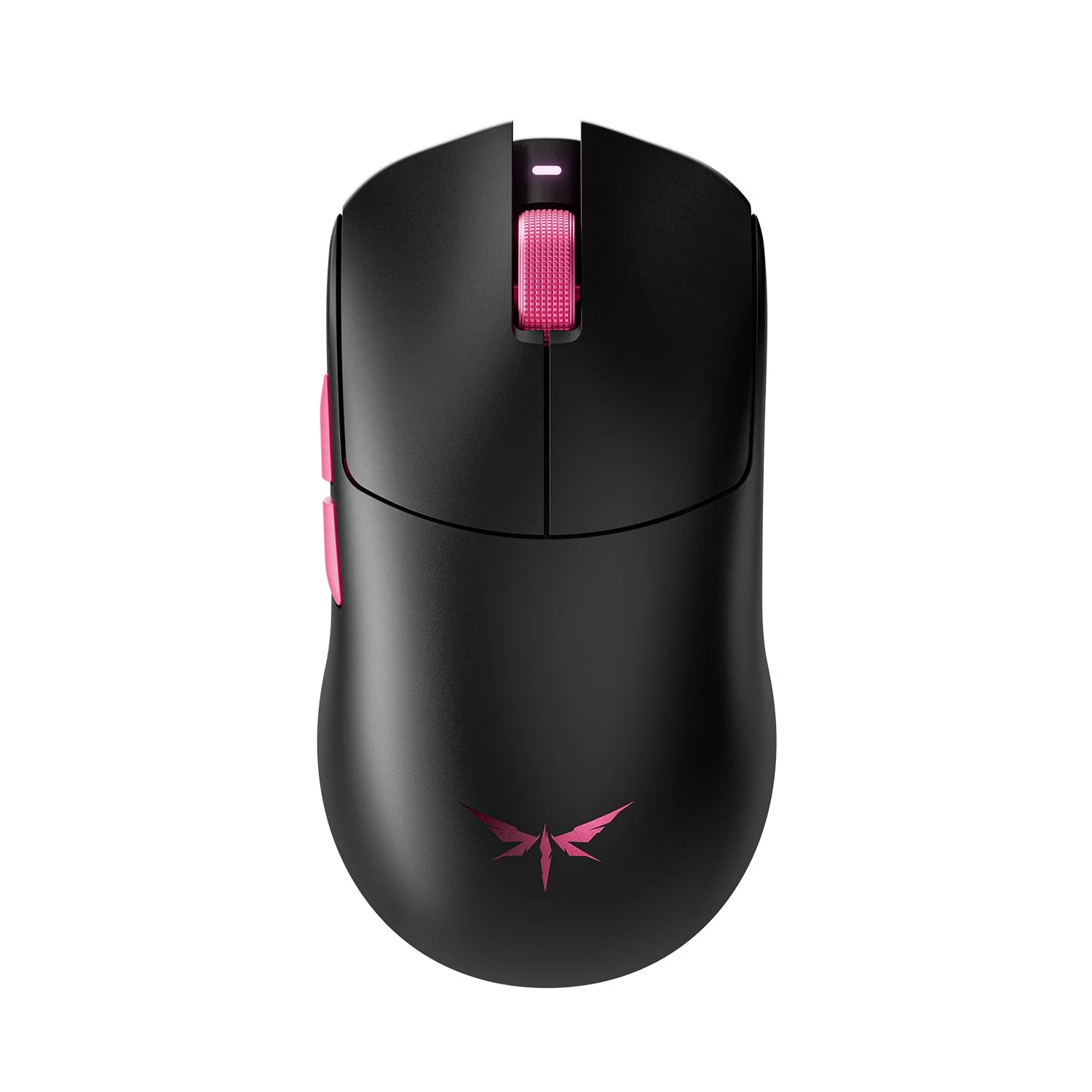
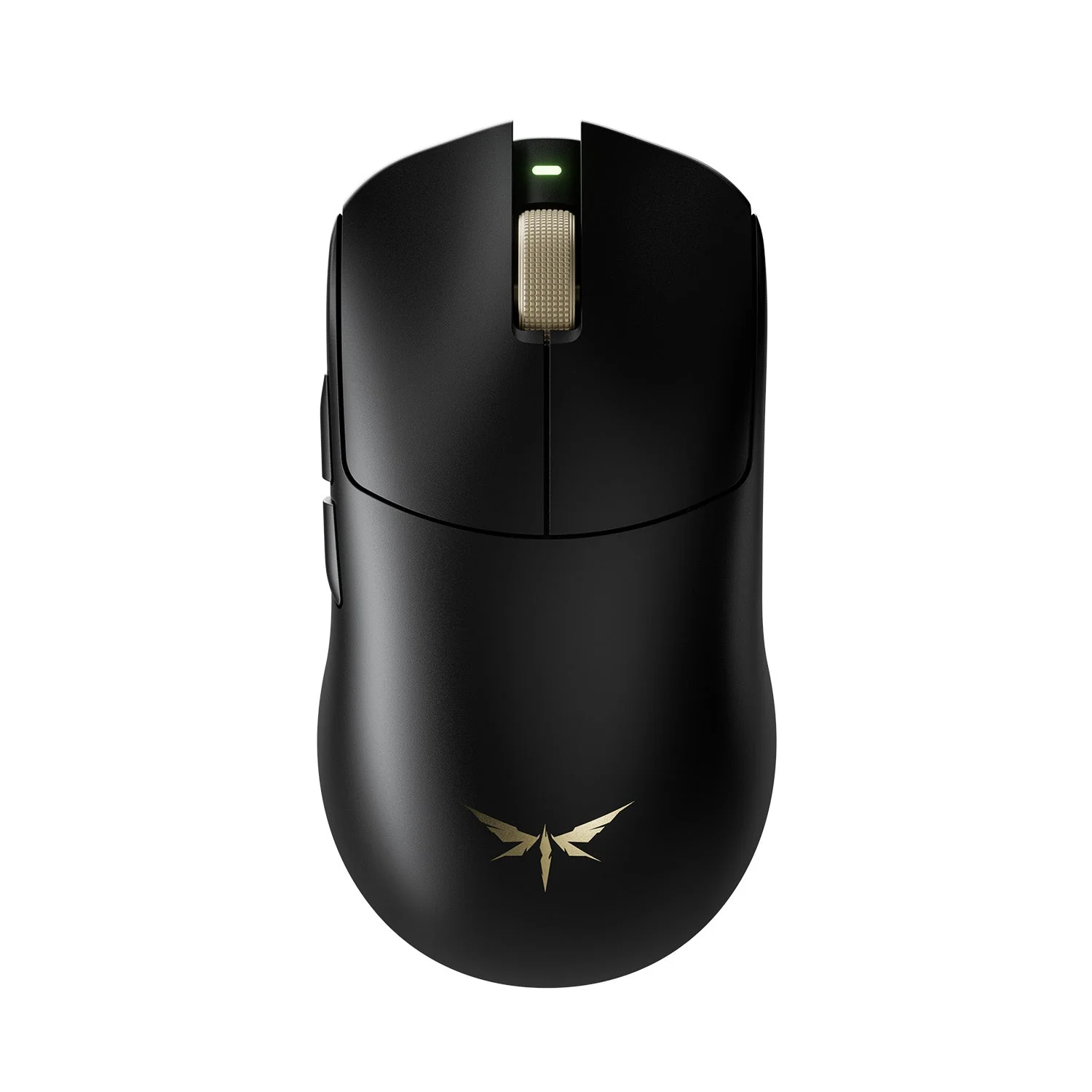
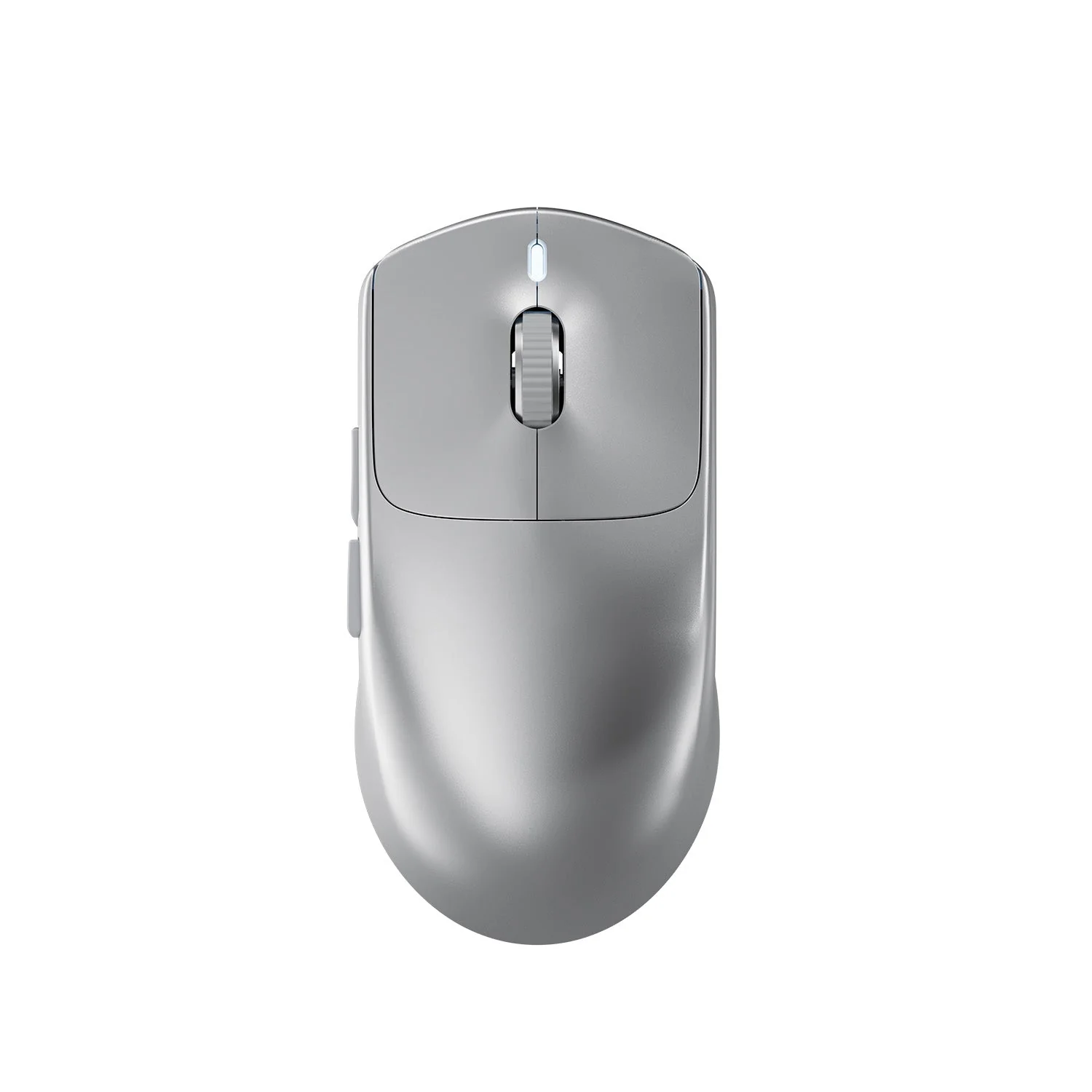
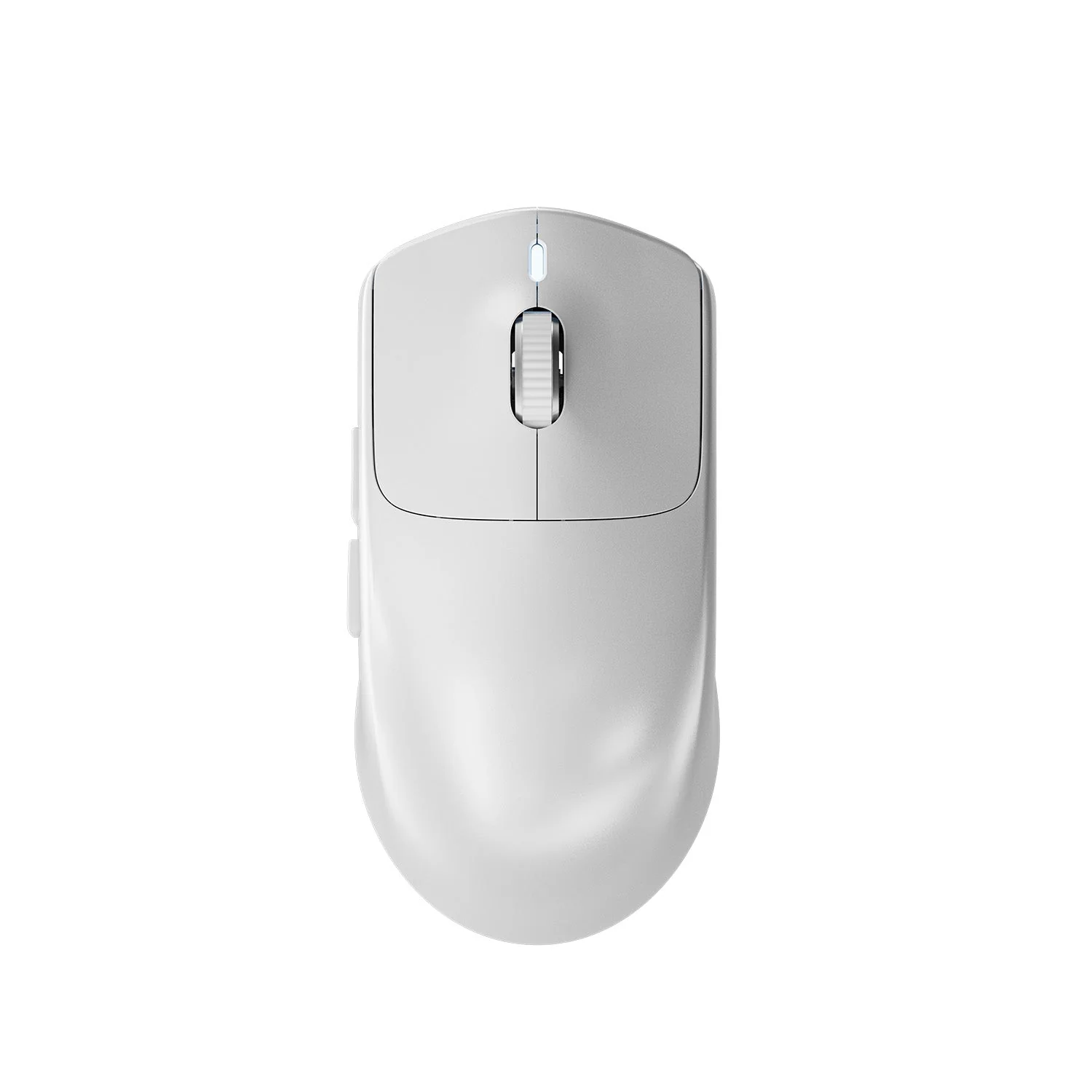
To truly understand the benefits of an ultralight mouse, you have to feel it. The first thing you’ll notice about the X11 is its weight. At just 63 grams, it moves across your mousepad with almost no resistance, reducing wrist fatigue and enabling faster reactions. At its core, that agility starts with an innovative injection-molded shell that stays solid without needing honeycomb cutouts, a right-handed ergonomic shape that fits palm, claw, and fingertip grips, and pure PTFE feet for a smooth, consistent glide.
Featherweight Agility
Connect Your Way
Beyond its low-latency 2.4GHz wireless performance, this versatile mouse also features two other connection modes. A stable Bluetooth 5.2 option is perfect for pairing with a work laptop, tablet, or other devices on the fly. For zero-latency competitive sessions or to simply charge while you play, you can plug in the flexible, paracord-style USB-C cable. The onboard 2.4Ghz receiver even has its own storage compartment on the bottom of the mouse, so you never lose it during travel.

The ATTACK SHARK X11 at a Glance

Key Features
Magnetic Charging Dock
Just drop the mouse on the base for effortless charging. The dock features customizable RGB and a USB passthrough for the wireless receiver.
PixArt 3311 Optical Sensor
Get the competitive edge with up to 22,000 DPI, 400 IPS tracking, and a 1000Hz polling rate for pixel-perfect accuracy.
63g Ultra-Lightweight Design
A solid, non-honeycomb shell keeps the weight down, allowing for faster movements and reduced fatigue during long gaming sessions.
Tri-Mode Connectivity
Switch seamlessly between low-latency 2.4GHz wireless for gaming, Bluetooth 5.2 for productivity, and a wired USB-C connection.
HUANO Pink Spot Switches
Enjoy a crisp, tactile click with durable switches rated for millions of actuations.
Full Customization Software
Fine-tune DPI levels, program all 7 buttons with macros, adjust the polling rate, and check battery life with Attack Shark's dedicated software.
FAQs & Specifications
Questions & Answers
What grip styles is the ATTACK SHARK X11 best for?
Its ergonomic shape is designed to be comfortable for most right-handed users, accommodating palm, claw, and fingertip grip styles effectively.
Do I need to use the software?
No, the mouse is plug-and-play. The default DPI steps and button assignments work out of the box. However, to customize settings like DPI levels, macros, or polling rate, you will need to install the software.
Can I use the mouse while it's charging on the dock?
The dock is for charging when the mouse is not in use. If you need to charge while playing, you can connect the USB-C cable directly to the mouse.
Is it compatible with macOS?
Yes, the mouse is compatible with macOS for both wired and wireless connections. The customization software, however, is designed primarily for Windows.
Specifications
- Sensor: PixArt PAW3311
- Max DPI: 22,000
- Tracking Speed: Up to 400 IPS
- Acceleration: Up to 40G
- Polling Rate: 125 - 1000Hz
- Switches: HUANO Pink Spot Mechanical Switches
- Encoder: TTC Gold
- Connectivity: 2.4GHz Wireless, Bluetooth 5.2, Wired USB-C
- Weight: ~63g
- Battery: 300-500mAh
- Battery Life: Up to 65 hours
- Dimensions: 128 x 64 x 40 mm
- Cable: 1.5m Paracord-style USB-C Cable
What's in the Box?
- ATTACK SHARK X11 Gaming Mouse - Magnetic RGB Charging Dock - 2.4G Wireless Receiver - USB-C Charging & Data Cable - Anti-skid Grip Tape Set - User Manual
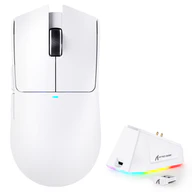
Details & Craftsmanship
Every detail has been carefully considered to bring you the perfect product.
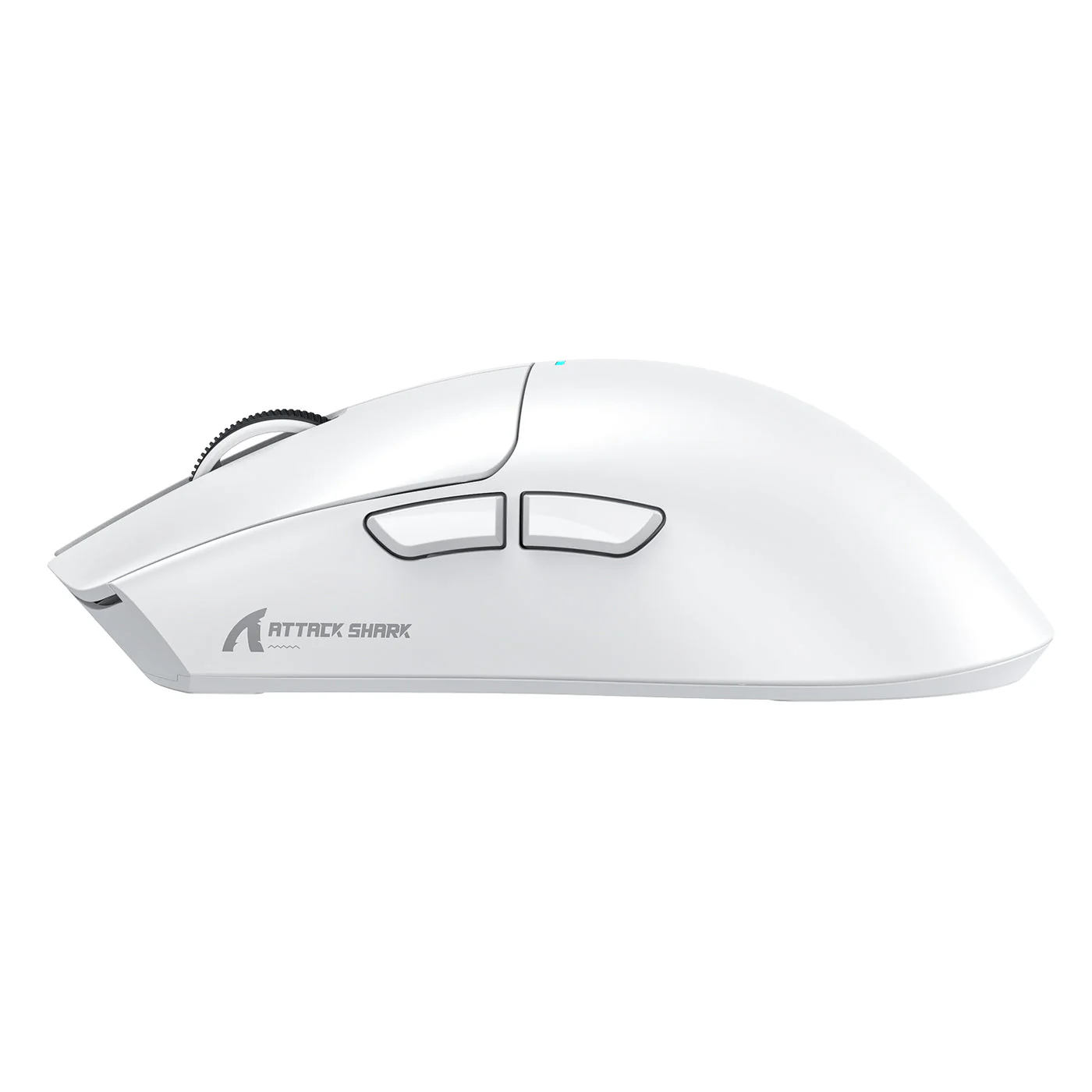
Details & Craftsmanship
Every detail has been carefully considered to bring you the perfect product.
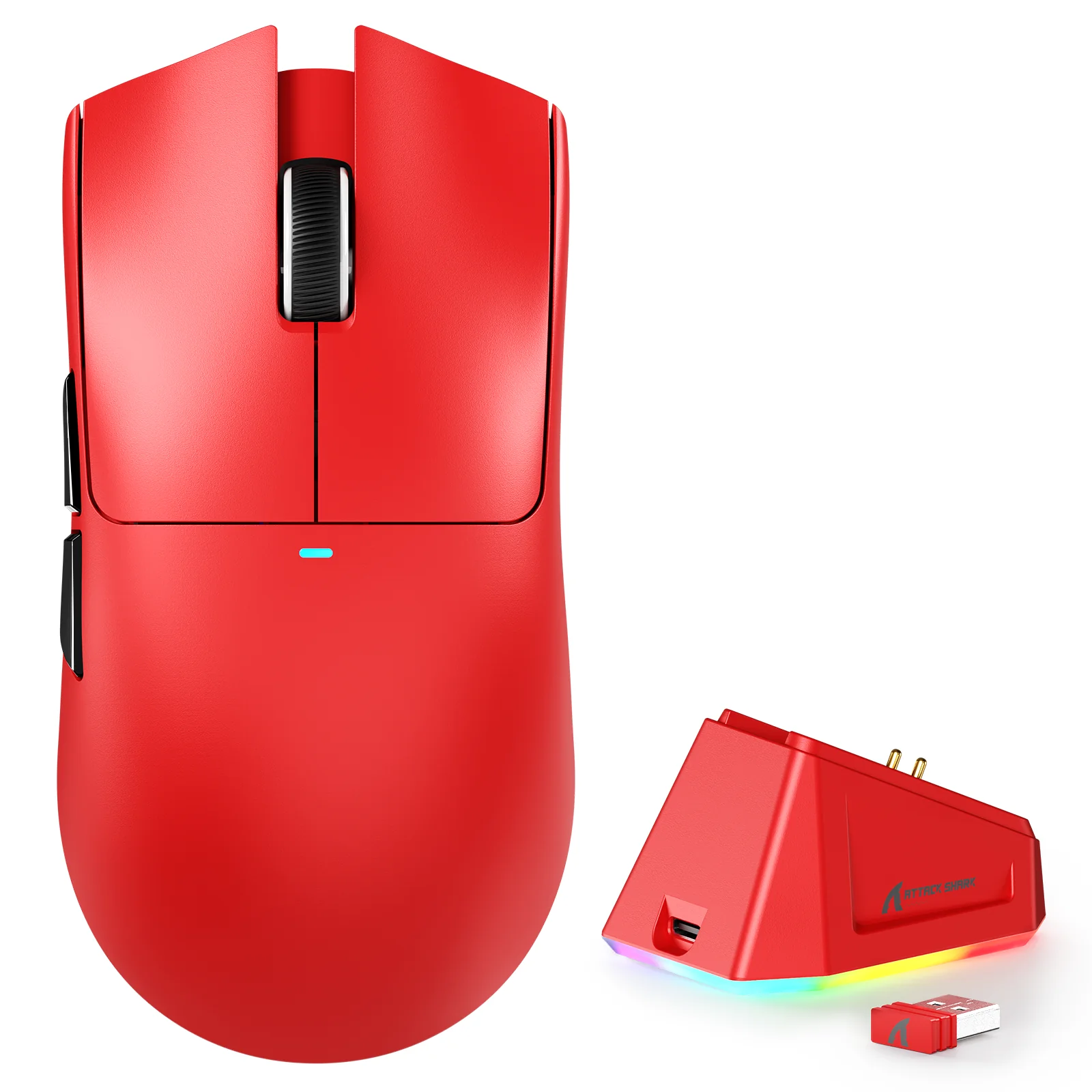
Details & Craftsmanship
Every detail has been carefully considered to bring you the perfect product.
Details & Craftsmanship
Every detail has been carefully considered to bring you the perfect product.
Details & Craftsmanship
Every detail has been carefully considered to bring you the perfect product.
Details & Craftsmanship
Every detail has been carefully considered to bring you the perfect product.
Details & Craftsmanship
Every detail has been carefully considered to bring you the perfect product.
Description
Your Command Center
The magnetic dock isn't just for charging; it's the centerpiece of your desk. Strong magnets guide the mouse into place with a satisfying click. No more fumbling with cables in the dark after a long session. Just drop it and walk away. The base features an exclusive RGB light ring with touch-sensitive controls to cycle through effects, creating an ambient glow for your setup. To guarantee a flawless connection, a front-facing USB port on the dock allows you to plug in the 2.4GHz receiver, keeping it just centimetres from the mouse for a rock-solid, interference-free signal.
Precision When It Counts
At the heart of the X11 is the professional-grade PixArt PAW3311 optical sensor. It delivers up to 22,000 DPI for impressive precision, with a tracking speed of up to 400 IPS to keep up with your fastest flicks and a 1000Hz polling rate for near-instant response. No spin-outs, no excuses. The HUANO Pink Spot microswitches will tolerate millions of clicks, ensuring your inputs feel crisp and reliable for a long, long time.
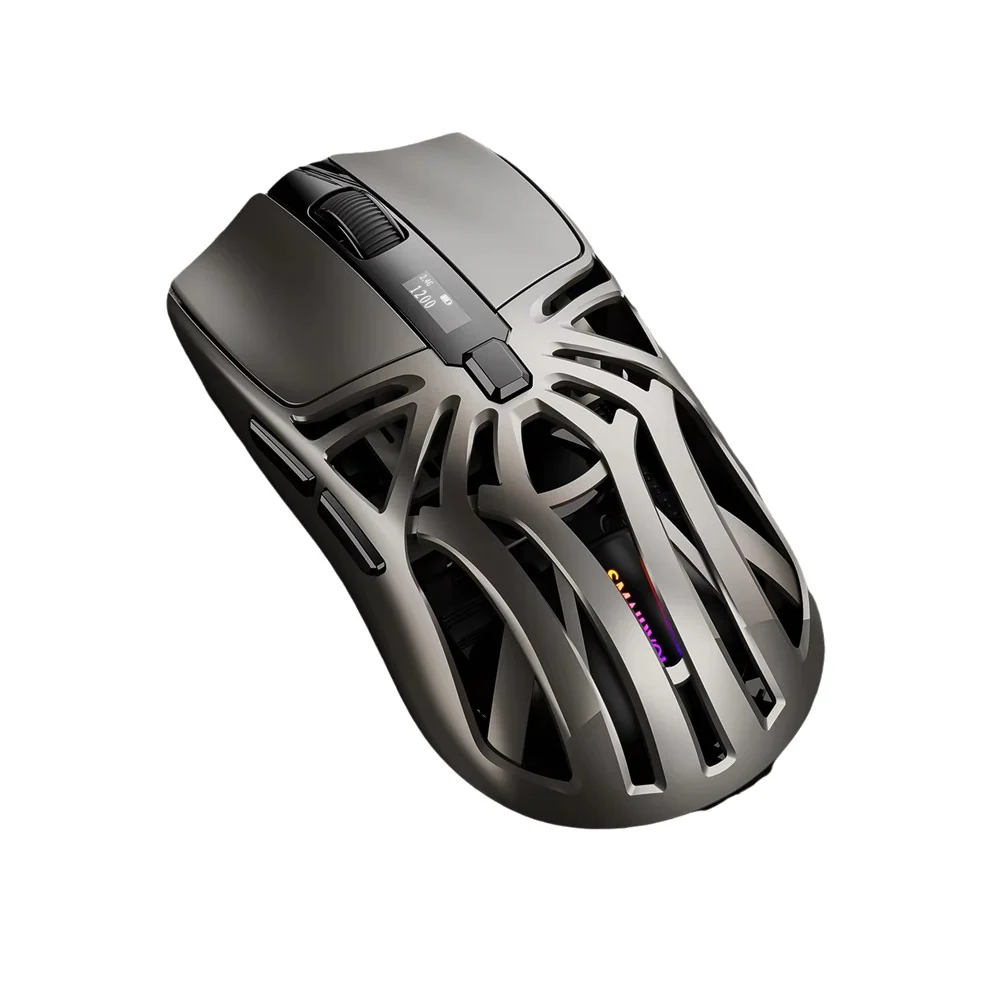
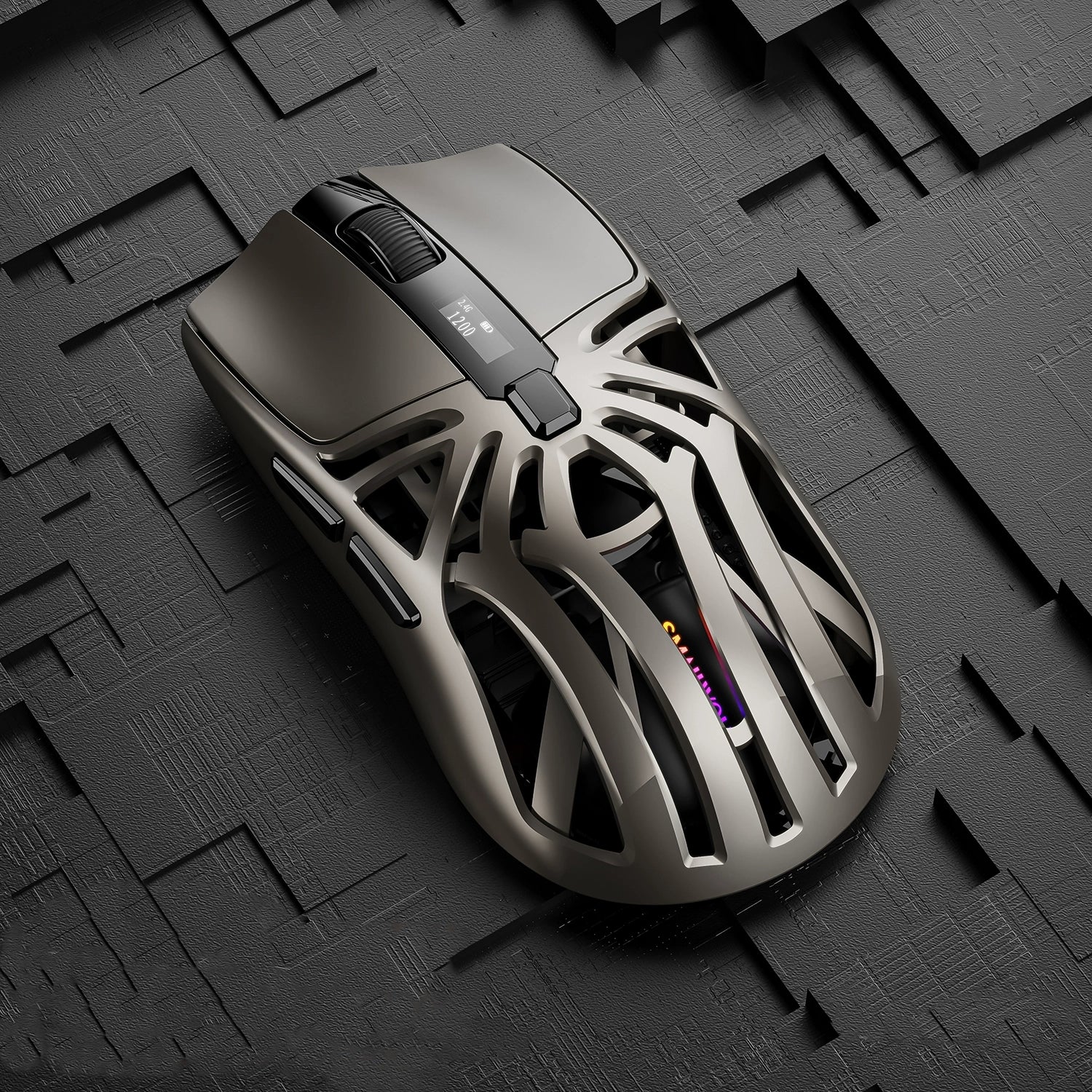
An inside look at the high-performance components powering the X11.
To truly understand the benefits of an ultralight mouse, you have to feel it. The first thing you’ll notice about the X11 is its weight. At just 63 grams, it moves across your mousepad with almost no resistance, reducing wrist fatigue and enabling faster reactions. At its core, that agility starts with an innovative injection-molded shell that stays solid without needing honeycomb cutouts, a right-handed ergonomic shape that fits palm, claw, and fingertip grips, and pure PTFE feet for a smooth, consistent glide.
Featherweight Agility
Connect Your Way
Beyond its low-latency 2.4GHz wireless performance, this versatile mouse also features two other connection modes. A stable Bluetooth 5.2 option is perfect for pairing with a work laptop, tablet, or other devices on the fly. For zero-latency competitive sessions or to simply charge while you play, you can plug in the flexible, paracord-style USB-C cable. The onboard 2.4Ghz receiver even has its own storage compartment on the bottom of the mouse, so you never lose it during travel.
The ATTACK SHARK X11 at a Glance
Key Features
Magnetic Charging Dock
Just drop the mouse on the base for effortless charging. The dock features customizable RGB and a USB passthrough for the wireless receiver.
PixArt 3311 Optical Sensor
Get the competitive edge with up to 22,000 DPI, 400 IPS tracking, and a 1000Hz polling rate for pixel-perfect accuracy.
63g Ultra-Lightweight Design
A solid, non-honeycomb shell keeps the weight down, allowing for faster movements and reduced fatigue during long gaming sessions.
Tri-Mode Connectivity
Switch seamlessly between low-latency 2.4GHz wireless for gaming, Bluetooth 5.2 for productivity, and a wired USB-C connection.
HUANO Pink Spot Switches
Enjoy a crisp, tactile click with durable switches rated for millions of actuations.
Full Customization Software
Fine-tune DPI levels, program all 7 buttons with macros, adjust the polling rate, and check battery life with Attack Shark's dedicated software.
FAQs & Specifications
Questions & Answers
What grip styles is the ATTACK SHARK X11 best for?
Its ergonomic shape is designed to be comfortable for most right-handed users, accommodating palm, claw, and fingertip grip styles effectively.
Do I need to use the software?
No, the mouse is plug-and-play. The default DPI steps and button assignments work out of the box. However, to customize settings like DPI levels, macros, or polling rate, you will need to install the software.
Can I use the mouse while it's charging on the dock?
The dock is for charging when the mouse is not in use. If you need to charge while playing, you can connect the USB-C cable directly to the mouse.
Is it compatible with macOS?
Yes, the mouse is compatible with macOS for both wired and wireless connections. The customization software, however, is designed primarily for Windows.
Specifications
- Sensor: PixArt PAW3311
- Max DPI: 22,000
- Tracking Speed: Up to 400 IPS
- Acceleration: Up to 40G
- Polling Rate: 125 - 1000Hz
- Switches: HUANO Pink Spot Mechanical Switches
- Encoder: TTC Gold
- Connectivity: 2.4GHz Wireless, Bluetooth 5.2, Wired USB-C
- Weight: ~63g
- Battery: 300-500mAh
- Battery Life: Up to 65 hours
- Dimensions: 128 x 64 x 40 mm
- Cable: 1.5m Paracord-style USB-C Cable
What's in the Box?
- ATTACK SHARK X11 Gaming Mouse - Magnetic RGB Charging Dock - 2.4G Wireless Receiver - USB-C Charging & Data Cable - Anti-skid Grip Tape Set - User Manual